Probot Builder Live
A 3D robot builder in the browser. Put a robot together from our real kit parts, get its parts list, and check it against FTC rules before you buy anything.
- Role
- Wrote the first version; product lead
- Period
- 2025–
- Team
- Probot Studio
- Stack
- TypeScript · React · three.js
- Impact
- Runs in the browser, no install or account
Why
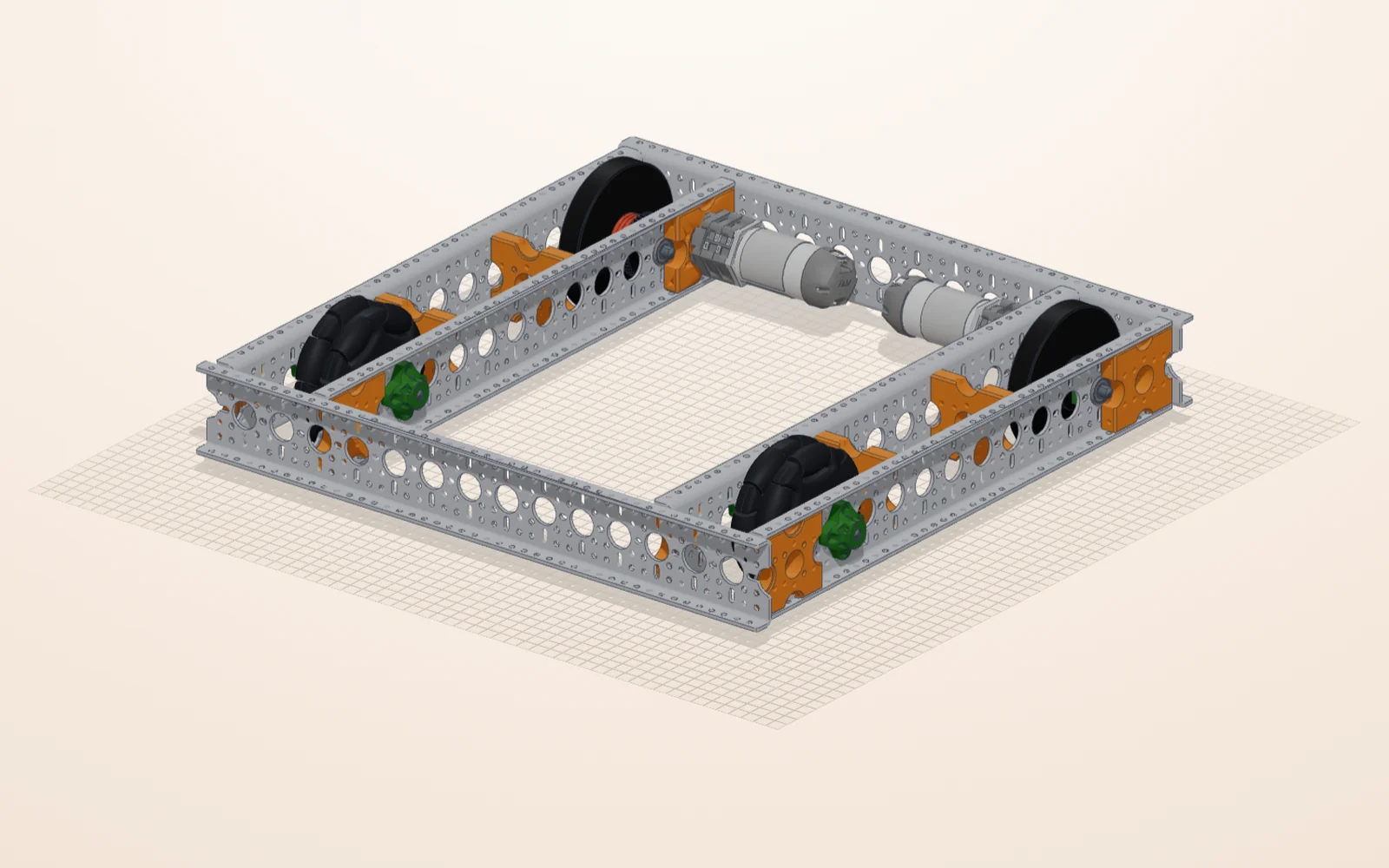
A student should be able to try a robot before the box arrives. A design that only exists on screen does not help much if it cannot be built, so Builder uses the same parts we sell in our kits: a robot designed in it can be built one to one with the real parts.
What I did
I wrote the first version in 2025: aluminium profiles on a grid, undo and redo, copy and paste, saving to a file and exporting a quote. Today's Builder grew out of it inside the Probot Studio platform, built by the team and mostly written by AI coding agents that I direct and review.
How it works
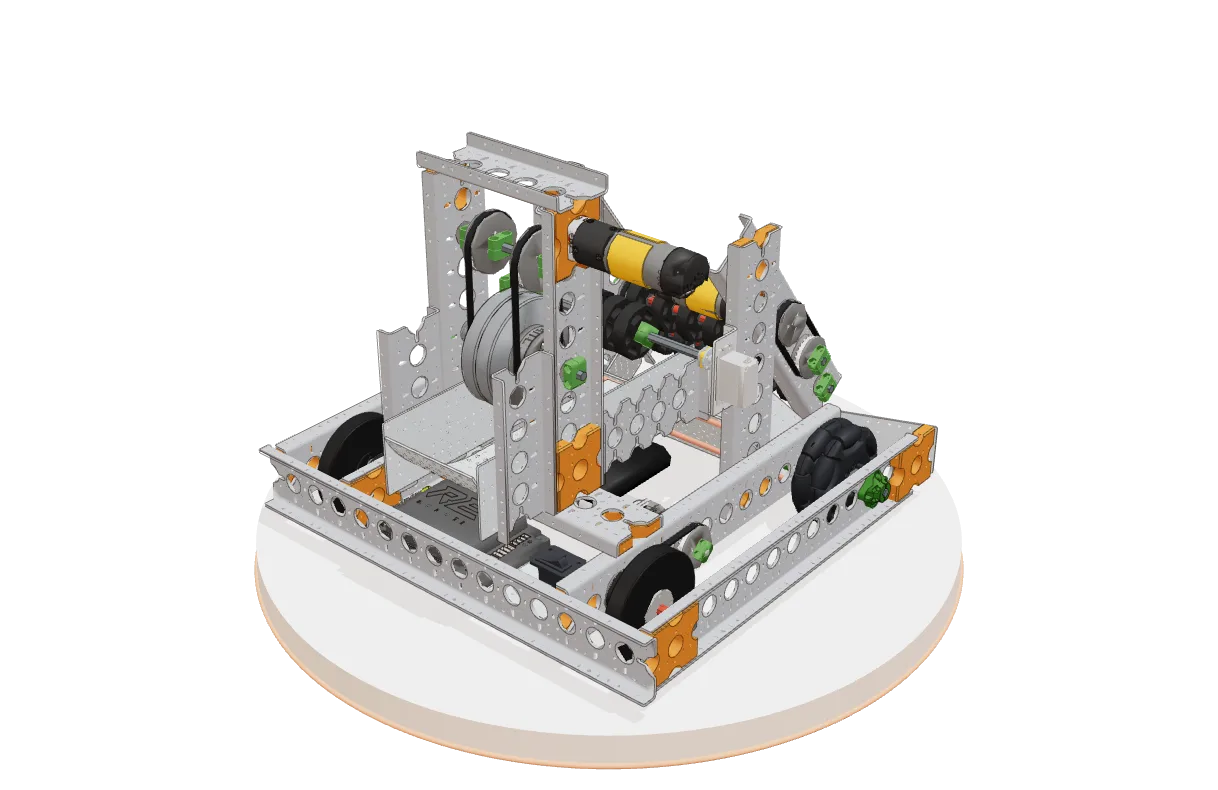
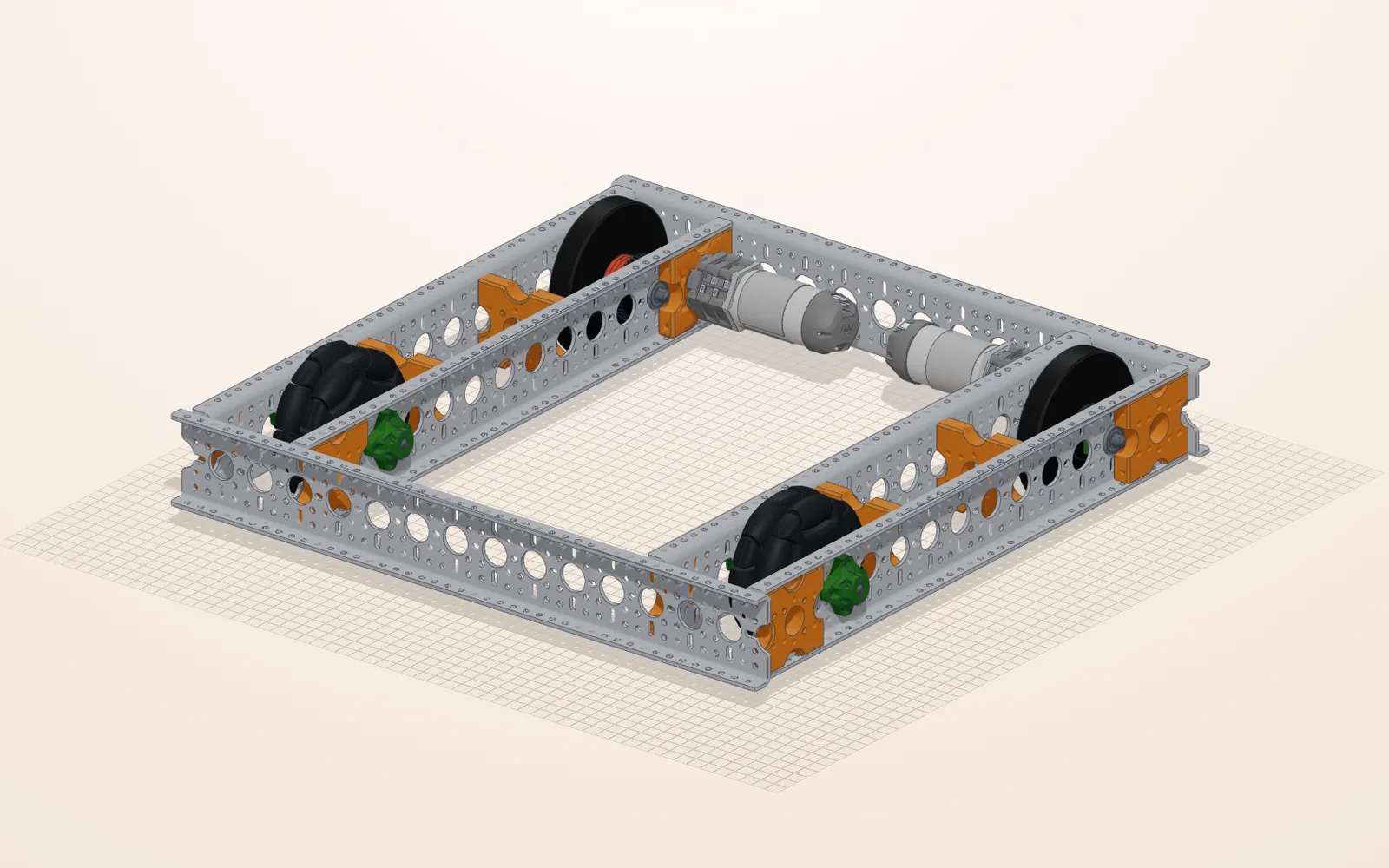
- Assembly in 3D: parts go together through their real holes on a 10 mm grid, with M4 bolts (M3 for electronics and servos), and joints can be moved. You can start from a ready-made robot, such as the Starter Bot or an omni or mecanum chassis, or from an empty scene.
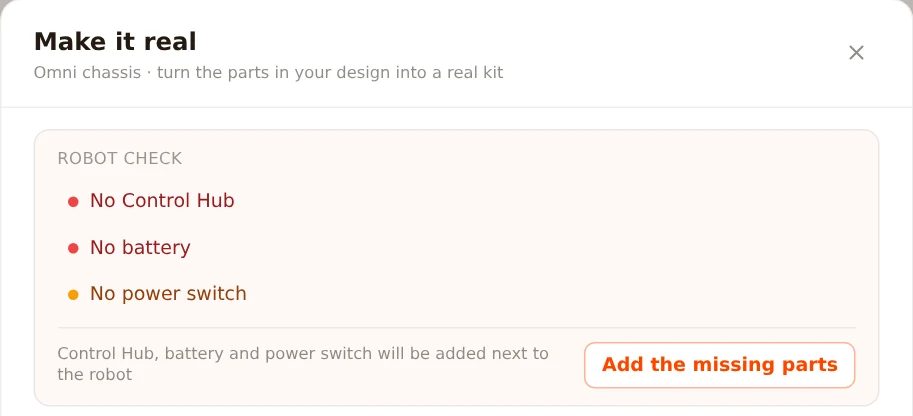
- Robot check: before you order, Builder checks the robot against FTC rules: a Control Hub, a battery and a power switch, at most 8 motors and 8 servos, the 18-inch starting size, and no parts left floating. It can place the missing parts next to the robot for you.
- Parts list: the design becomes a parts list with our part numbers, and one click puts all of it in the shop cart.
- In lessons: the same 3D view opens inside our lessons, so a student can turn a part or a robot around while reading.
Gallery